

Features
Explore photo records, food and portion edits, a photo calendar, and weekly summaries.
How it works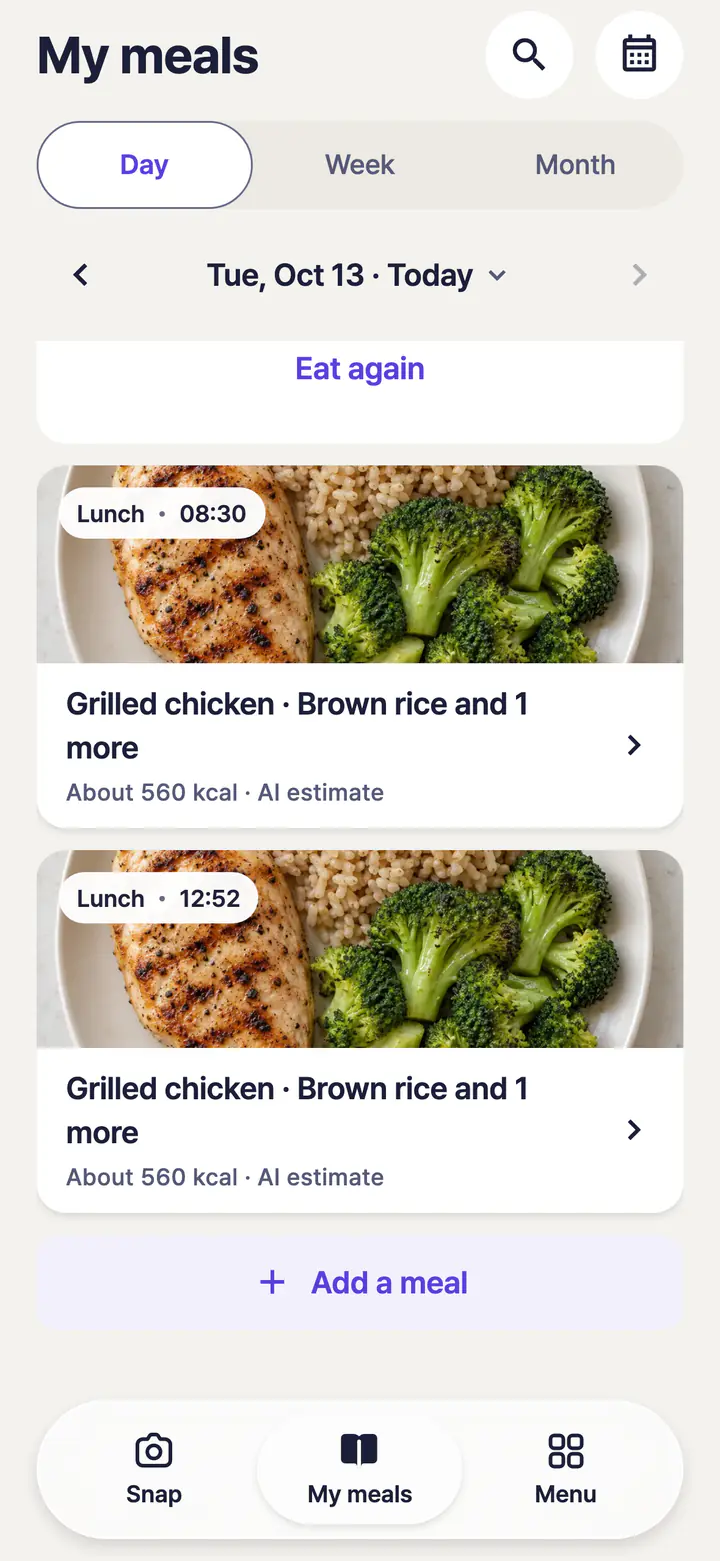
Example · Not a customer record
Look back at a saved meal photo in your diary. Photo saving and AI analysis have separate progress states.
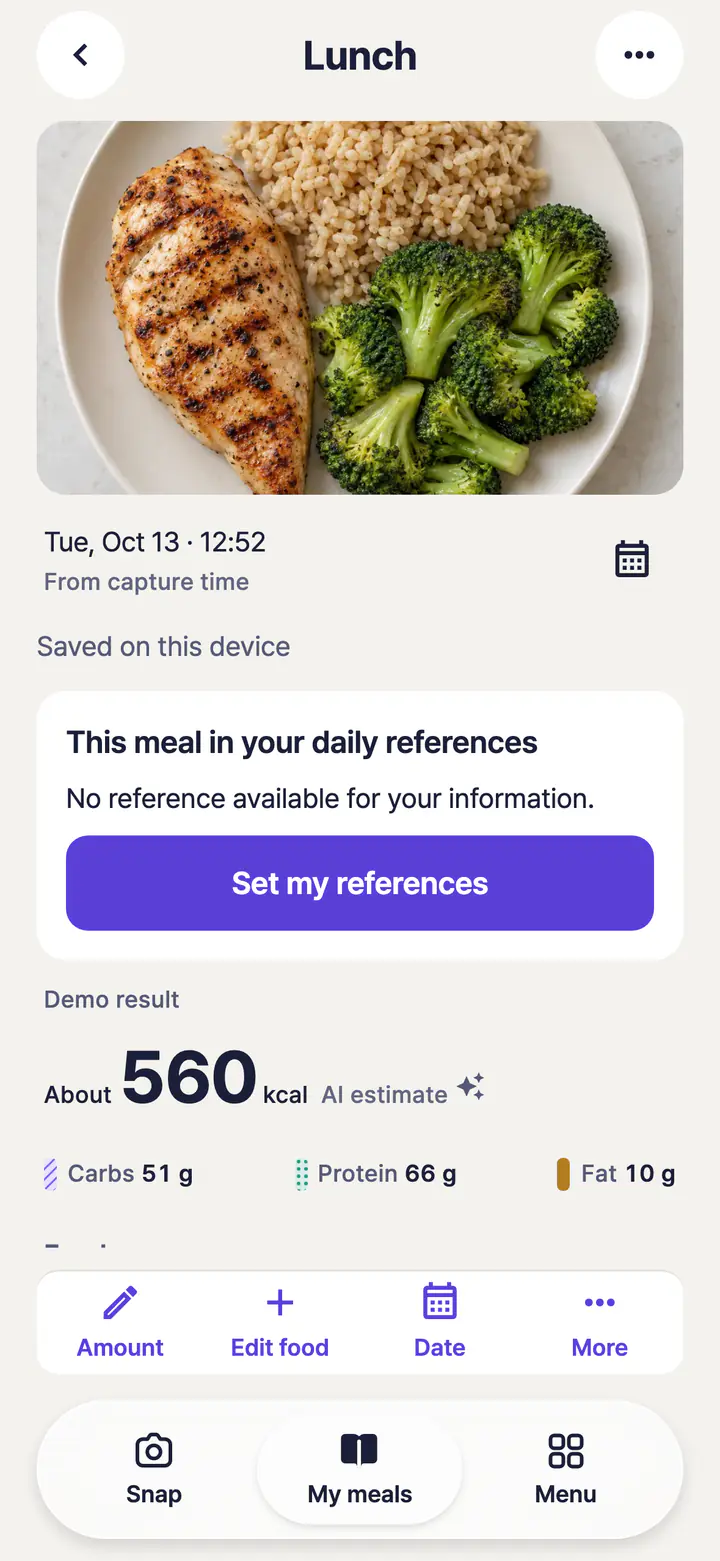
Example · Not a customer record
Review the foods and estimated amounts found by AI. Information that still needs checking stays marked for review.
Weekly summary
Look back at the days you recorded.
Photo calendar
Find your meals by date.
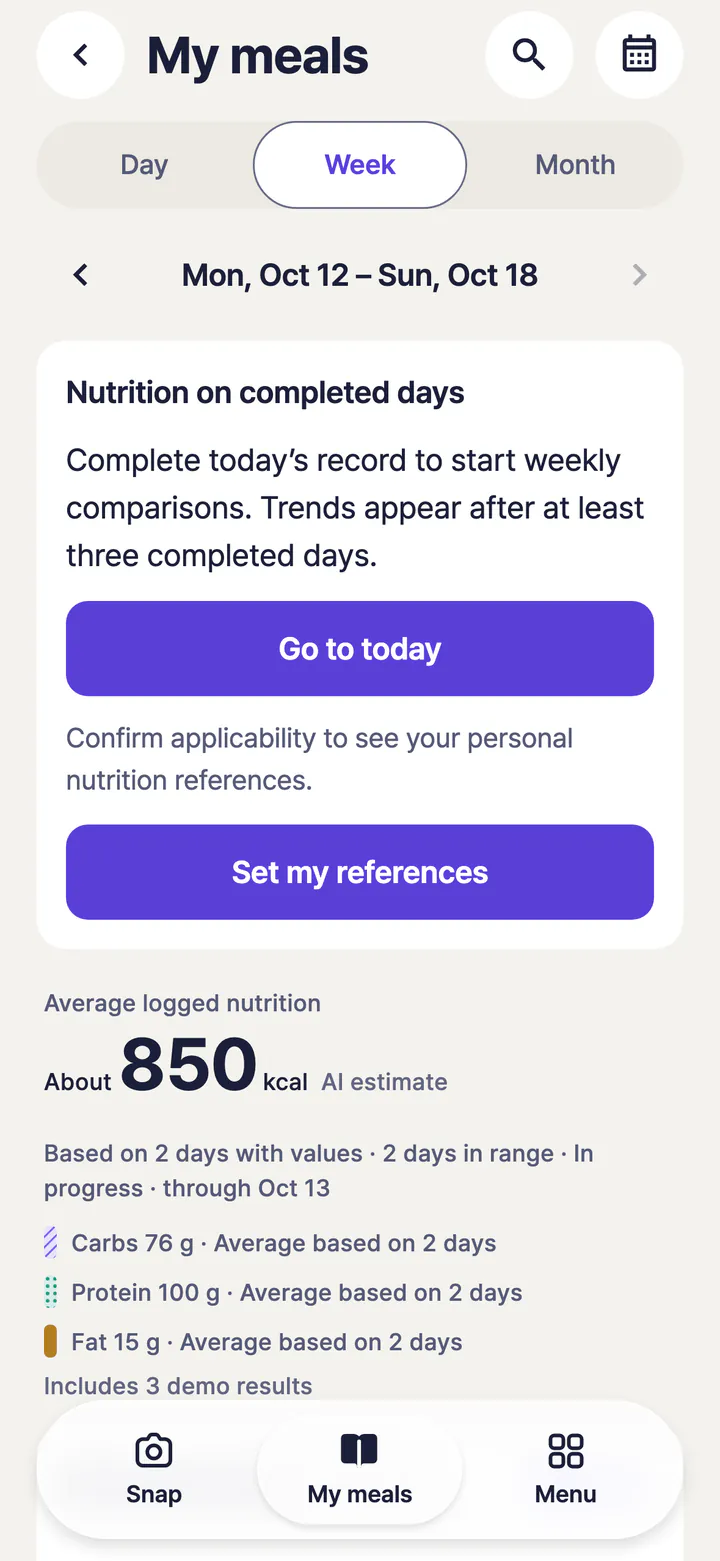
Example · Not a customer record
The weekly summary brings your entries together. It does not fill gaps in your records or unknown nutrition values to make the week look complete.
Understand the sources and limits
AI results are estimates. Review the food and portions and adjust them to match your meal. They do not replace medical diagnosis or treatment.
AI analysis